 Gmail
Filters
Lobart Studio
Gmail
Filters
Lobart Studio
Made for Google Chrome
Your inbox.
Your rules.
Drag an email to create a filter. Choose what happens next, without leaving Gmail.
Add to ChromeYour Gmail data is not sent to our servers.
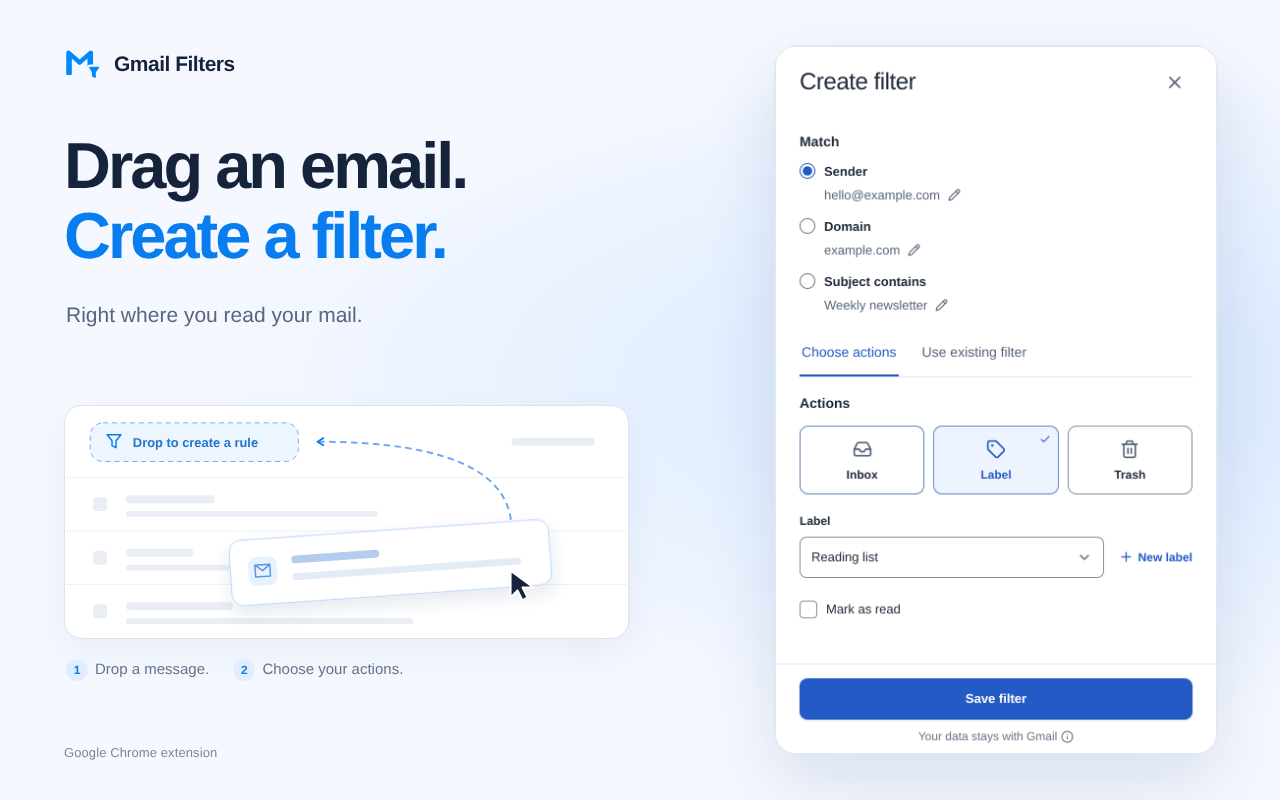
Match what matters
Filter by sender, domain or subject phrase.
Choose what happens
Keep in Inbox, apply a label, mark as read or move to Trash.
Keep rules together
Create a filter, extend an existing one or edit supported rules.
Filters apply to new emails only. Requires Chrome 127 or later and authorization with your Google account.